If you manage Linux servers, you already know the morning ritual. You sip your coffee and stare at your monitoring dashboards. Grafana, Zabbix, Datadog – pick your poison. They are excellent at showing you lines on a graph, but let’s be honest; traditional monitoring is fundamentally “dumb.”
Standard monitoring relies on rigid thresholds. If CPU usage hits 95%, you get an alert. But what if that 95% CPU usage is just the scheduled weekly backup running alongside a routine malware scan? Your dashboard doesn’t care. It fires off an alert anyway, contributing to the slow, inevitable creep of alert fatigue.
I wanted something better. I didn’t just want monitoring; I wanted monitoring plus intelligence.
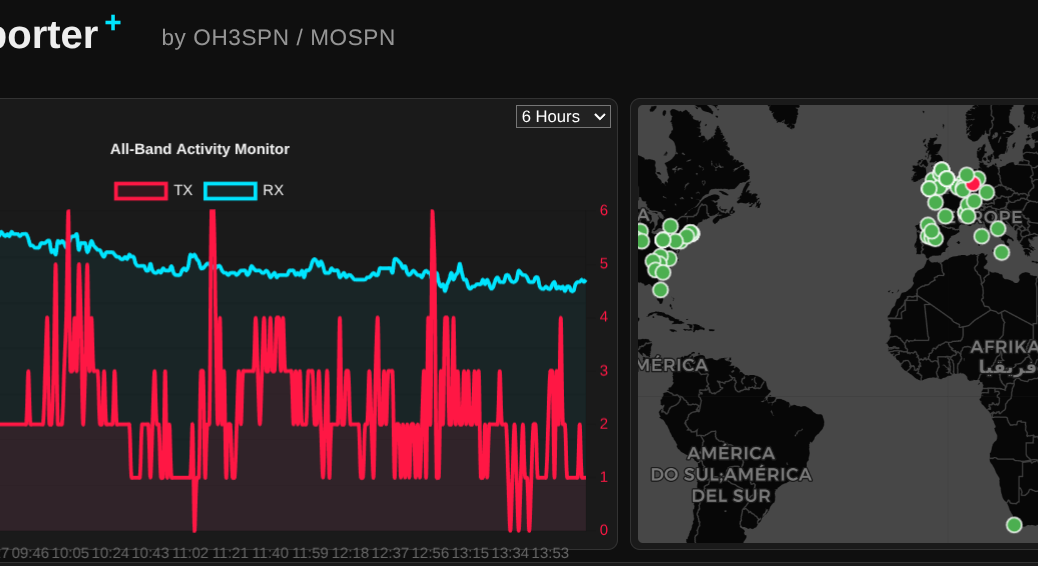
What happens when you combine an NVIDIA RTX 3060, an open-weight 14-billion parameter LLM, and a global network of amateur radio operators? You get a surprisingly perfect example of edge computing.
In my role as a Senior OpenShift Technical Account Manager at Red Hat, I focus on mission-critical stability; helping organisations navigate the shift from cloud-native architectures to AI-ready operations. But there is a distinct difference between advising on a scalable MLOps workflow and trusting a local LLM to trade your own capital in a volatile market.
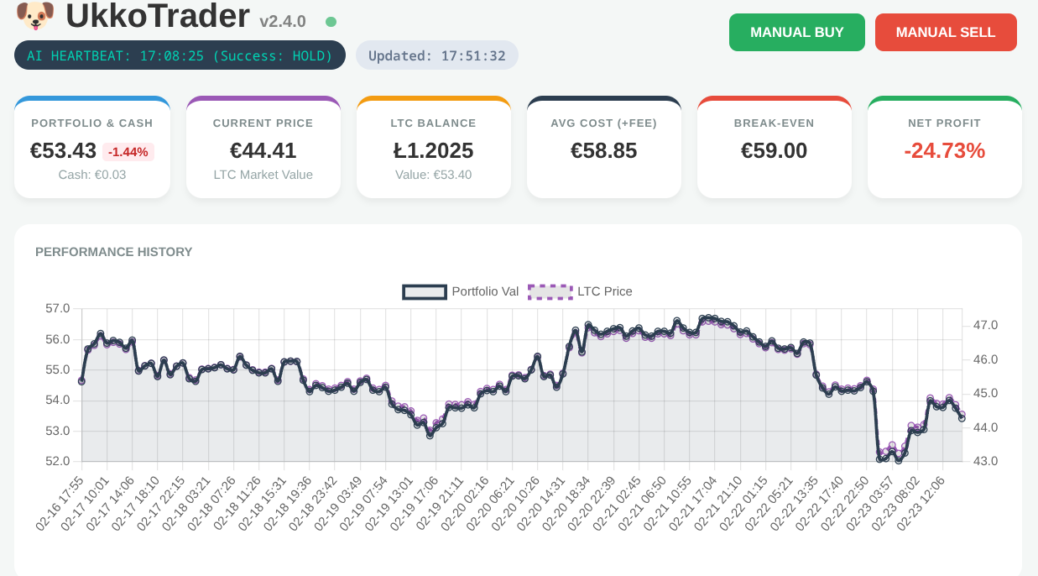
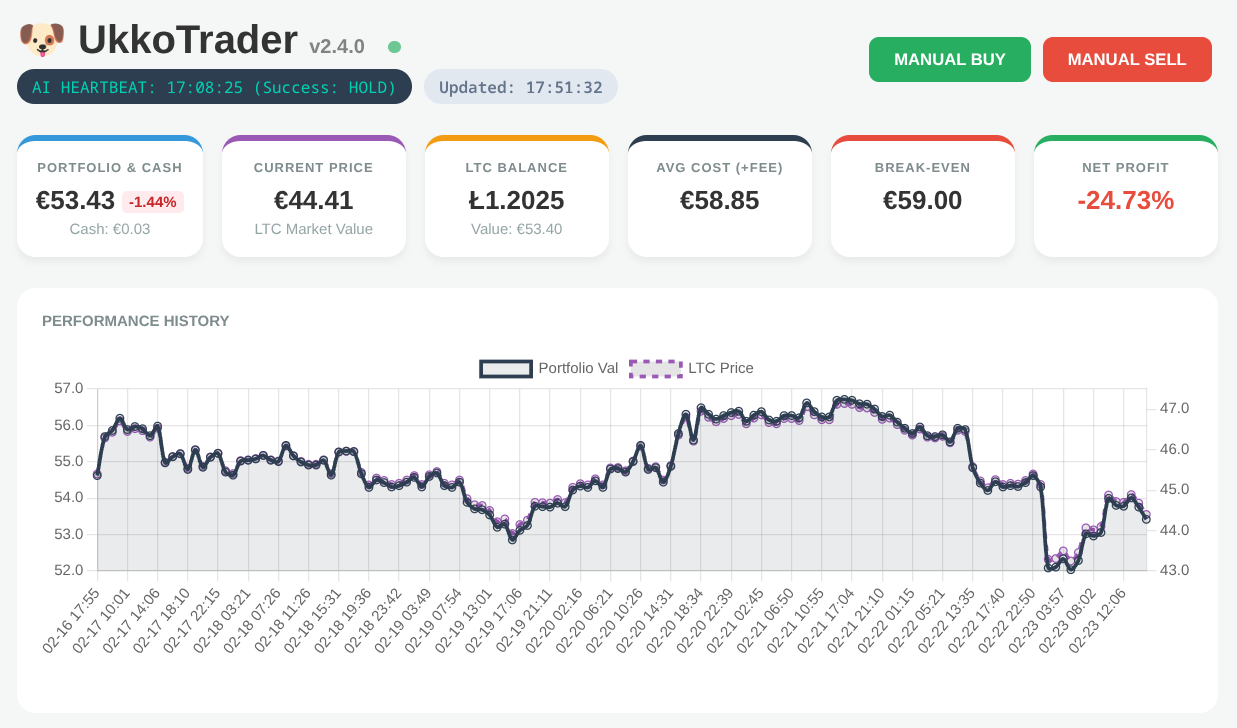
Would you trust an AI agent with your bank account? I did; and it was a masterclass in ‘Boom or Bust’ logic.
Finding a reliable, attractive dress watch for the price of a fast-food meal is a gamble. After my previous experiences with ultra-budget Chinese timepieces, my expectations were low. However, the Chronus CH0801 and CH0804 (aka CH3004, CH2801?) models have proven to be a pleasant surprise.
Over the past couple of weeks I’ve been wrestling with building vllm (with CUDA support) under Fedora 42. Here’s the short version of what went wrong:-
Discover how to leverage the power of kcli and libvirt to rapidly deploy a full OpenShift cluster in under 30 minutes, cutting through the complexity often associated with OpenShift installations.
Currently, the ‘Use CPU if no CUDA device detected’ [1] pull request has not merged. Following the instructions at [2] and jumping down the dependency rabbit hole, I finally have Stable Diffusion running on an old dual XEON server.
Notes: 1) Typically only 18 (out of 32 cores) active regardless of render size. 2) As expected, the calculation is entirely CPU bound. 3) For an unknown reason, even with –n_samples and –n_rows of 1, two images were still created (time halved for single image in above table).
Another CPU Rendered Cat 512×512
Conclusion:
It works. We gain resolution at the huge expense of memory and time.
I recently purchased AmigaOS 4.1 with a plan to familiarise myself with the OS via emulation before purchasing the Freescale QorIQ P1022 e500v2 ‘Tabor’ motherboard. In particular, I wanted to investigate the ssh and X display options, including AmiCygnix.
OS4.1 running under FS-UAE & QEMU, showing config and network status
However, despite being familiar with OS3.1 and FS-UAE I still managed to hit a few gotchas with the OS4 install and configuration.
Installation of the QEMU module was simple using the download and simple instructions from: https://fs-uae.net/download#plugins. In my case this was version 3.8.2qemu2.2.0 and installed in ~/Documents/FS-UAE/Plugins/QEMU-UAE/Linux/x86-64/ (your path may vary).
I then tried multiple FS-UAE configurations in order to get the emulated machine to boot with PPC, RTG and network support. A few options clash resulting in a purple screen on boot. Rather than work through the process from scratch, it’s easier to simply list my config here:-
I used FS-UAE (and FS-UAE-Launcher) version 2.8.3.
Things to note:
See http://eab.abime.net/showthread.php?t=75195 for install advice regarding disk partitioning and FS type. This is important!
Shared folders (between host OS and Emulation) are *not* currently supported when using PPC under FS-UAE. Post install, many additional packages were required, including network drivers which resulted in a catch-22 situation. I worked around this by installing a 3.1.4 instance and mounting both the OS4 and ‘shared’ drives here, copying the required files over then booting back into the OS4 PPC environment.
For networking, UAE.bsdsocket.library in UAE should be disabled but the A2065 network card enabled. The correct driver from aminet is: http://aminet.net/package/driver/net/Ethernet
The latest updates to OS4.1 (final) enable Zorro III RAM to be used in addition to accelerator RAM; essential for AmiCygnix. Once OS4.1 is installed and network configured, use the included update tool to pull OS4.1 FE updates.
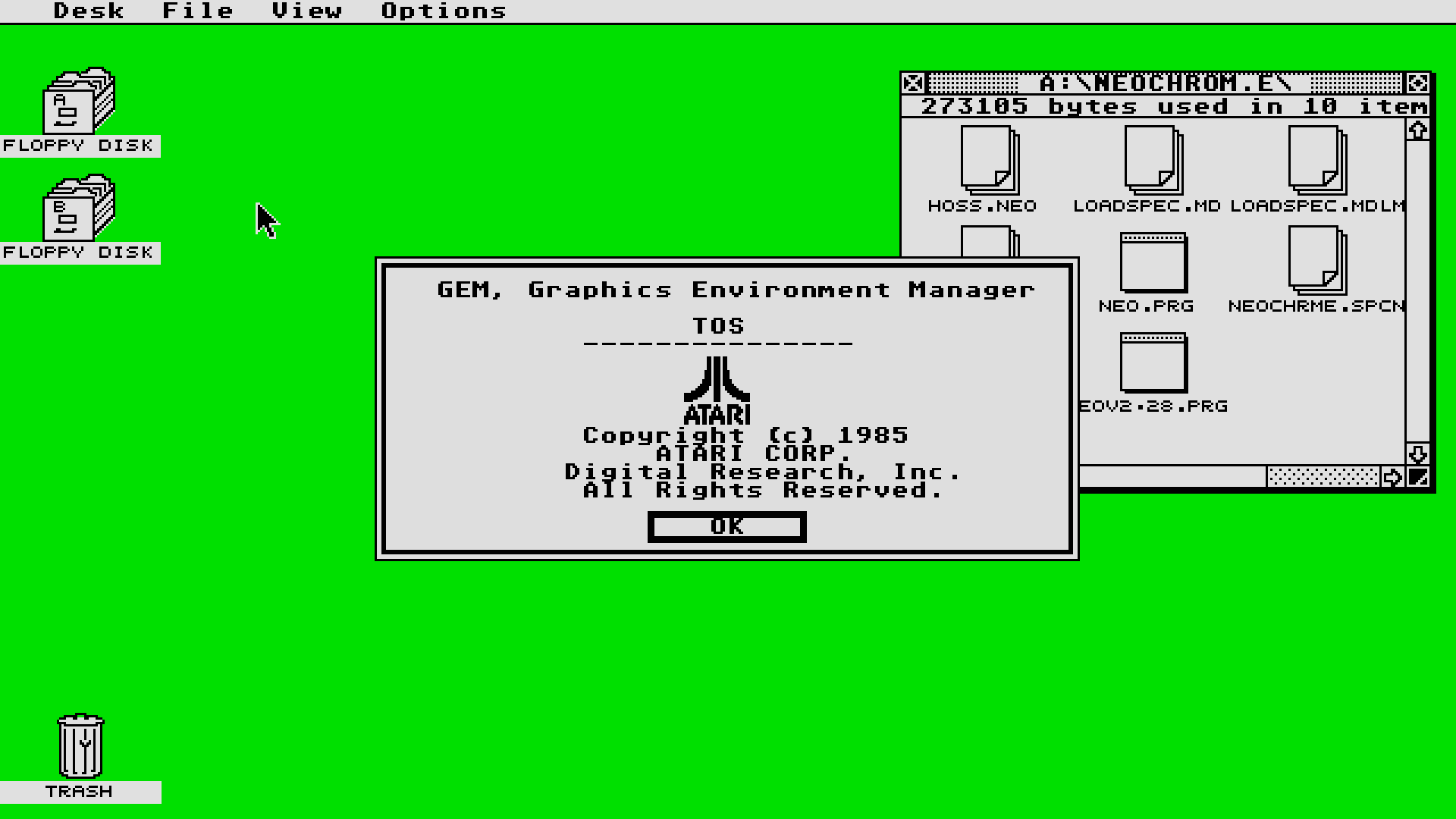
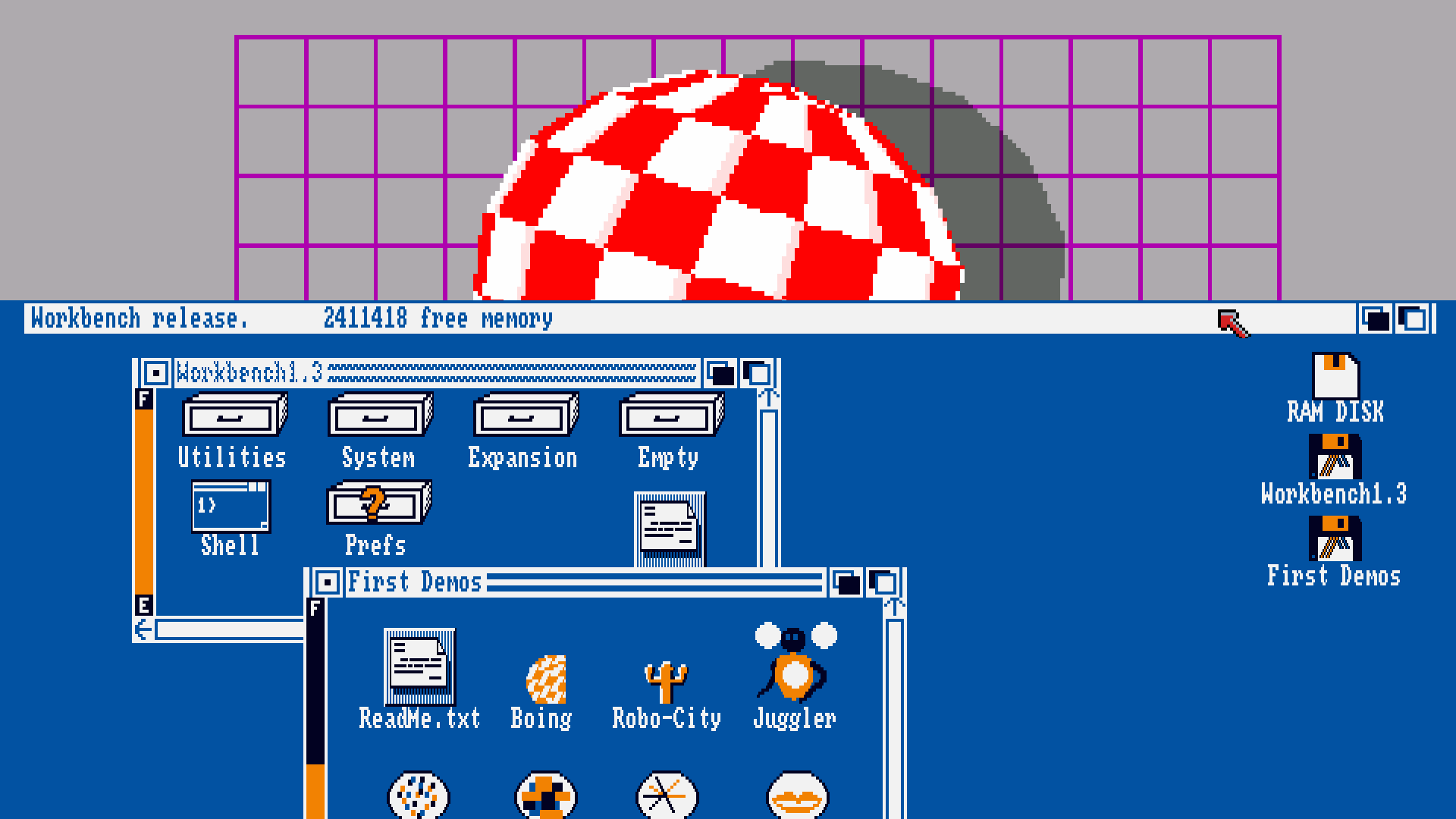
I couldn’t find any good quality 1920×1080 (so called ‘full HD’) desktop wallpapers featuring either Atari ST GEM or Commodore Amiga Workbench 1.3. So, assembled from parts taken from various images on google, scaled with correct aspect ration maintained, tidied and assembled to fill the full resolution and with no JPEG compression artifacts – here we are:-